Best Dental 3D Imaging Software in 2026: AI-Powered DICOM to STL Tools Compared
A
Admin
Content Writer
April 18, 2026•14 min read
Artificial Intelligence
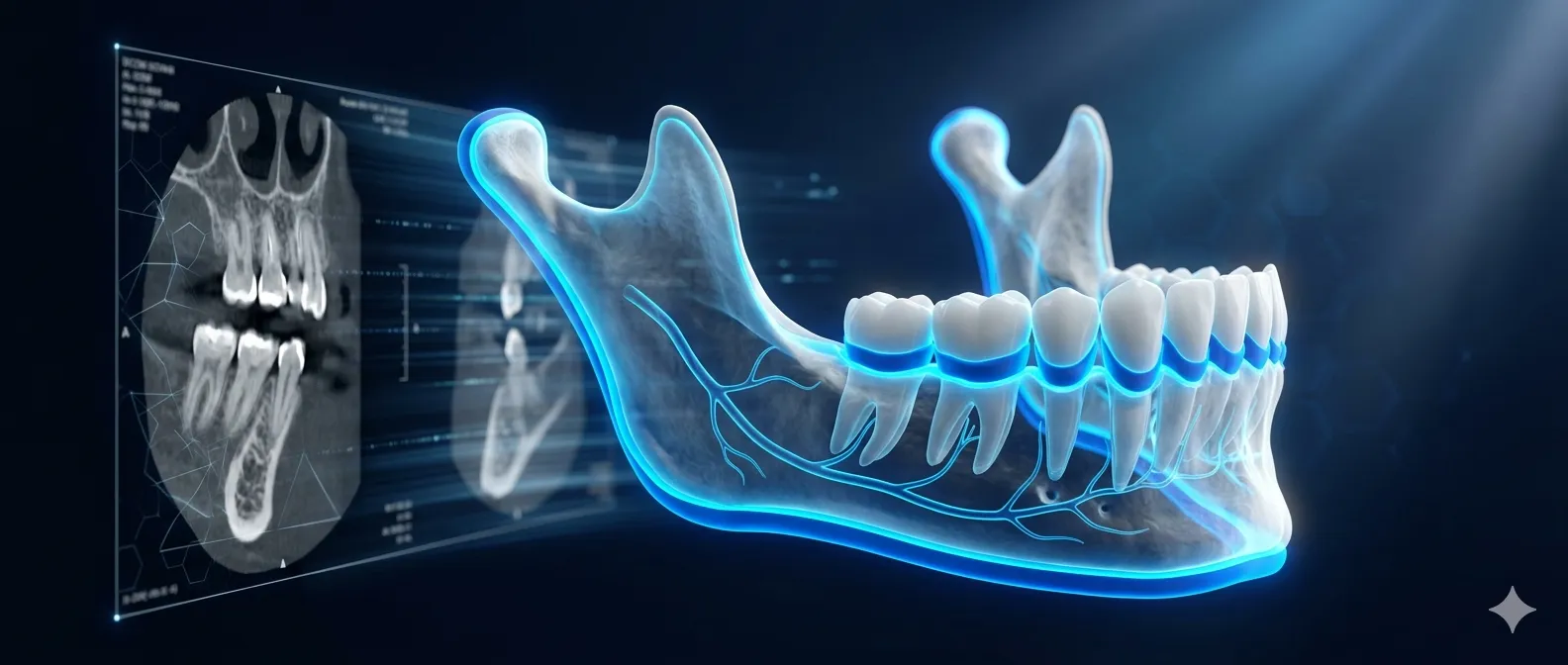
The dental industry is undergoing a quiet revolution. Clinics that once spent $30,000 to $50,000 on imaging hardware and software — and still waited hours for a usable 3D model — now have access to AI-powered tools that deliver surgical-ready STL files from a DICOM scan in under 60 seconds. The gap between what legacy systems offer and what modern AI can do has never been wider.
This guide compares the leading dental 3D imaging and AI segmentation tools available in 2026, so you can make an informed decision for your practice, lab, or clinic.
What Is AI-Powered Dental 3D Imaging?
Traditional dental imaging software requires technicians to manually segment CBCT scans — tracing bone boundaries, isolating individual teeth, and mapping nerve pathways by hand. This process can take anywhere from 30 minutes to several hours per case.
AI-powered dental imaging software uses deep learning models trained on tens of thousands of dental scans to automate this process. The AI identifies and separates bone structures, individual teeth, and nerve pathways simultaneously, then converts that data into a 3D STL model that is ready for surgical planning, lab workflows, or patient communication — all in a fraction of the time.
The key file formats involved are DICOM (.dcm), the universal standard for medical imaging data, and STL, the 3D model format used by CAD/CAM systems, 3D printers, and surgical guide design software.
Why the DICOM to STL Workflow Matters
Whether you are planning an implant, designing a surgical guide, fabricating a prosthetic, or simply explaining a treatment plan to a patient, the ability to quickly convert a DICOM scan into an accurate 3D model is central to the modern dental workflow. The faster and more accurately this conversion happens, the better the clinical outcome and the smoother the lab or practice operation.
The tools below are evaluated on five criteria: setup cost, AI capability, DICOM to STL conversion, multi-structure segmentation, and whether the software is desktop or cloud-based.
The Top Dental 3D Imaging and AI Segmentation Tools in 2026
3Shape TRIOS
Setup cost: $50,000 and above
3Shape TRIOS is one of the most well-known names in digital dentistry. It excels at intraoral scanning and CAD/CAM integration, and its hardware is widely used in high-volume practices. However, it is fundamentally a scanning platform rather than an AI segmentation tool. It does not offer automated DICOM segmentation, has no native AI model trained for multi-layer bone and nerve detection, and its STL export capability is limited to scan data rather than CBCT-derived 3D models. For practices already invested in the 3Shape ecosystem it remains a solid scanning tool, but it falls short when the goal is AI-driven diagnostic imaging.
Best for: High-volume scanning practices already using 3Shape hardware.
Not ideal for: AI-powered segmentation, DICOM workflow, or cost-conscious clinics.
Planmeca Romexis
Setup cost: $30,000 and above
Planmeca Romexis is a comprehensive imaging platform that handles 2D X-rays, CBCT, and intraoral scans within a single interface. It supports DICOM and can convert volumetric data to STL files, and it has begun integrating AI for CBCT segmentation and implant planning. The software is well-suited to practices that already use Planmeca hardware. However, the platform is hardware-dependent, the AI features are limited to Planmeca's own ecosystem, and the cost puts it out of reach for smaller practices and labs. Real-time processing is not available, and the learning curve for advanced 3D features is steep.
Best for: Large clinics running Planmeca hardware end-to-end.
Not ideal for: Practices without Planmeca hardware, smaller budgets, or real-time AI workflows.
Diagnocat
Setup cost: Cloud subscription (pricing on request)
Diagnocat is a cloud-based AI diagnostic platform that analyses panoramic X-rays, intraoral images, and CBCT scans. It detects over 60 conditions in 3D imaging and can generate STL models from CBCT data. It is FDA-cleared and has been developed in collaboration with dental specialists and radiologists. The platform is strong for diagnostic reporting and patient communication. The limitations are that it is entirely cloud-based, meaning patient data leaves the clinic's network, it does not offer the simultaneous multi-layer segmentation of bone, individual teeth, and nerve pathways in a single desktop workflow, and ongoing subscription costs add up over time.
Best for: Clinics wanting cloud-based AI diagnostics and patient-friendly reports.
Not ideal for: Practices requiring offline operation, data sovereignty, or full multi-layer segmentation.
Pearl AI
Setup cost: Cloud subscription
Pearl AI focuses on 2D radiograph analysis — detecting cavities, measuring bone levels, and generating annotated X-ray overlays for patient communication and insurance documentation. It is FDA-cleared and integrates with common practice management systems. However, Pearl does not support 3D CBCT analysis, does not generate STL models, and is not a viable tool for surgical planning or lab workflows. It is a diagnostic aid for 2D imaging, not a 3D modelling platform.
Best for: General dentistry practices wanting AI-assisted 2D X-ray diagnostics.
Not ideal for: Any 3D workflow, STL generation, surgical planning, or lab use.
BlueSkyPlan
Setup cost: Free (open source)
BlueSkyPlan from Blue Sky Bio is a free, cross-platform implant planning tool that supports DICOM import and STL export. It has a large implant library and is genuinely useful for implant simulation and surgical guide design. The significant limitation is that it has no AI automation — every segmentation step is manual. The interface is dated, and there is no dedicated professional support team. For budget-conscious practices willing to invest time in manual workflows, it is a capable free tool. For anyone wanting speed and AI automation, it is not competitive.
Best for: Cost-conscious practices comfortable with manual segmentation workflows.
Not ideal for: Clinics wanting AI automation, fast turnaround, or professional support.
CosmicSparks DentalAI+
Setup cost: $10,999 one-time
DentalAI+ is a desktop-first AI medical imaging suite built specifically for the DICOM to 3D STL workflow. It is the only solution in this comparison that combines a dedicated AI model, full multi-layer segmentation, real-time processing, and a one-time purchase model on a single platform.
The AI at its core is a 7.77 million parameter UNet architecture trained on over 40,000 dental images. This is not a general-purpose image classifier adapted for dentistry — it was built from the ground up for clinical-grade dental segmentation. The result is simultaneous detection and separation of bone structures, individual teeth, and nerve pathways from a single DICOM scan, delivered as a surgical-ready 3D STL file in under 60 seconds.
The software runs as a PyQt5 desktop application, which means patient data never leaves the clinic's local environment. This is a meaningful distinction for practices operating under HIPAA or GDPR, where cloud transmission of patient imaging data introduces compliance complexity. DentalAI+ is HIPAA and GDPR compliant by design, with AES-256 encryption and no mandatory cloud dependency.
Key capabilities:
Complete DICOM workflow — upload any DICOM file (.dcm), receive a segmented 3D model within 60 seconds.
Multi-layer segmentation — bone structures, individual teeth, and nerve pathways are detected and separated simultaneously, a workflow no other tool in this comparison delivers fully.
3D STL export — models are surgical-ready and compatible with standard CAD/CAM, 3D printing, and planning software.
Professional 2D and 3D viewer — built-in visualisation tools for clinical review without needing a separate viewer.
One-time pricing — no subscriptions, no per-scan fees, no recurring cloud costs. At $10,999, it represents a 95% cost reduction compared to the $50,000+ legacy platforms.
Desktop and offline operation — the entire workflow runs locally, making it suitable for clinics with strict data governance requirements.
Who uses DentalAI+: General dentists for treatment planning and patient education, oral surgeons for implant placement and nerve pathway mapping, prosthodontists for crown, bridge, and denture planning, dental laboratories for rapid 3D model prototyping and digital workflow optimisation, and dental schools for case study development and student training.
Side-by-Side Comparison
Solution | Setup Cost | AI Segmentation | DICOM to STL | Multi-Layer (Bone + Teeth + Nerves) | Offline / Desktop | One-Time Price
3Shape TRIOS | $50,000+ | No | No | No | Yes | Yes (hardware)
Planmeca Romexis | $30,000+ | Partial | Limited | No | Yes | No
Diagnocat | Subscription | Yes | Yes (Basic) | No | No | No
Pearl AI | Subscription | Yes (2D only) | No | No | No | No
BlueSkyPlan | Free | No | Yes | No | Yes | Yes
DentalAI+ (CosmicSparks) | $10,999 | Yes | Yes (60 seconds) | Yes | Yes | Yes
What to Look for When Choosing Dental AI Imaging Software
Speed of DICOM to STL conversion. Manual segmentation workflows are a bottleneck in any busy practice or lab. If the tool cannot automate this step, you are still paying for technician time at scale.
Multi-structure segmentation. Bone alone is not enough for surgical planning. Nerve pathway mapping is critical for implant safety, and individual tooth isolation is essential for prosthetic design. Look for software that handles all three in a single pass.
Desktop versus cloud. Cloud platforms offer convenience but introduce data sovereignty and compliance considerations. If your practice handles patient data under HIPAA or GDPR, understand where your imaging data is being processed and stored.
Total cost of ownership. A $30,000 upfront system plus annual maintenance and software licensing fees can easily exceed $50,000 over five years. A one-time purchase model with no per-scan or subscription fees changes the economics significantly.
AI model transparency. Vague references to "AI-powered" features are common in dental software marketing. Ask about the model architecture, training dataset size, and whether the AI was trained specifically on dental imaging data or adapted from a general medical imaging model.
Frequently Asked Questions
What is the difference between DICOM and STL in dentistry?
DICOM is the standard file format for medical imaging data, including CBCT scans. It contains volumetric pixel data (voxels) that represent the patient's anatomy in three dimensions. STL is a surface mesh format used by CAD/CAM systems, 3D printers, and surgical planning software. Converting from DICOM to STL means transforming raw scan data into a usable 3D model — a process that traditionally requires manual segmentation and is now automated by AI tools like DentalAI+.
How accurate is AI dental segmentation?
The accuracy of AI segmentation depends on the quality and size of the training dataset and the specificity of the model architecture. DentalAI+ uses a 7.77 million parameter UNet model trained on over 40,000 dental images, achieving clinical-grade precision with a reported accuracy of 95% and above. General-purpose models adapted for dental use typically perform below this benchmark.
Is cloud-based dental imaging software HIPAA compliant?
Some cloud platforms maintain HIPAA compliance through business associate agreements and encrypted data transmission. However, any cloud-based processing of patient imaging data introduces a transmission and storage dependency that desktop-first software avoids by design. Practices with strict data governance requirements should evaluate whether a locally-operated desktop solution better fits their compliance posture.
Can DentalAI+ work without an internet connection?
Yes. DentalAI+ is a desktop application that processes DICOM files locally. An internet connection is not required for segmentation, 3D model generation, or STL export. This makes it suitable for clinics with restricted network environments or data residency requirements.
Who is DentalAI+ suitable for?
DentalAI+ is designed for general dentists, oral surgeons, prosthodontists, dental laboratories, and dental schools. Any workflow that involves CBCT scan analysis, implant planning, surgical guide design, prosthetic fabrication, or patient education using 3D models is a fit for the platform.
How does the one-time pricing model compare to subscription software?
At $10,999 as a one-time purchase, DentalAI+ compares favourably to cloud subscription platforms over any period longer than two to three years. Subscription-based tools in this category typically range from several hundred to over a thousand dollars per month. For a practice running five or more CBCT cases per week, the economics of a one-time desktop licence versus ongoing per-seat or per-scan cloud fees shift significantly in favour of the purchase model.
The Bottom Line
The dental 3D imaging software market in 2026 is split between expensive legacy platforms built around proprietary hardware, cloud-based diagnostic aids with subscription models and data sovereignty trade-offs, and a new generation of AI-native tools that automate the most time-consuming parts of the imaging workflow at a fraction of the cost.
For practices and labs that need a complete, fast, accurate, and cost-effective DICOM to STL pipeline — with AI segmentation that covers bone, teeth, and nerve pathways simultaneously, offline operation, and a one-time price — DentalAI+ from CosmicSparks IT Services stands apart from every other option in this comparison.